

01Events
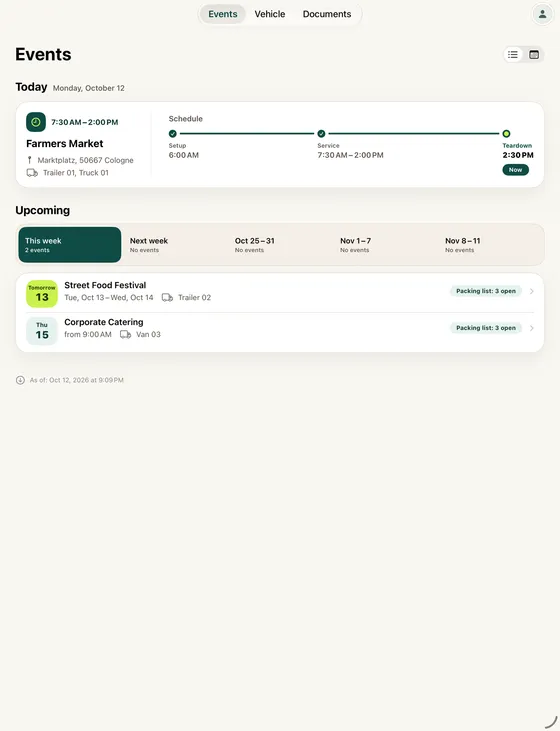
Today at a glance
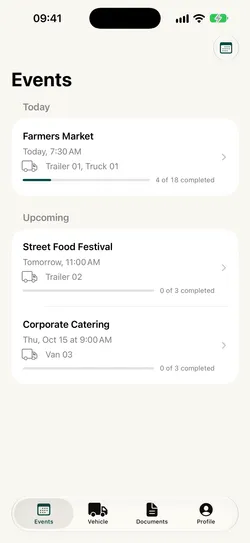
Today’s event with setup, service and teardown. Below it, the next events and how far along their packing lists are.
The app for your team on site
See what’s on today, check off the packing list for each vehicle and, after the event, report only what’s different. The office plans everything in the web app.
Your business sets up your account.How to get into the app
What the app does
Today’s event with setup, service and teardown. Below it, the next events and how far along their packing lists are.
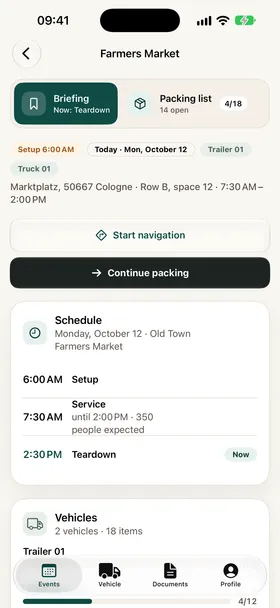
Schedule, location, expected guests and notes from the office. Call the on-site contact or start directions with a single tap.
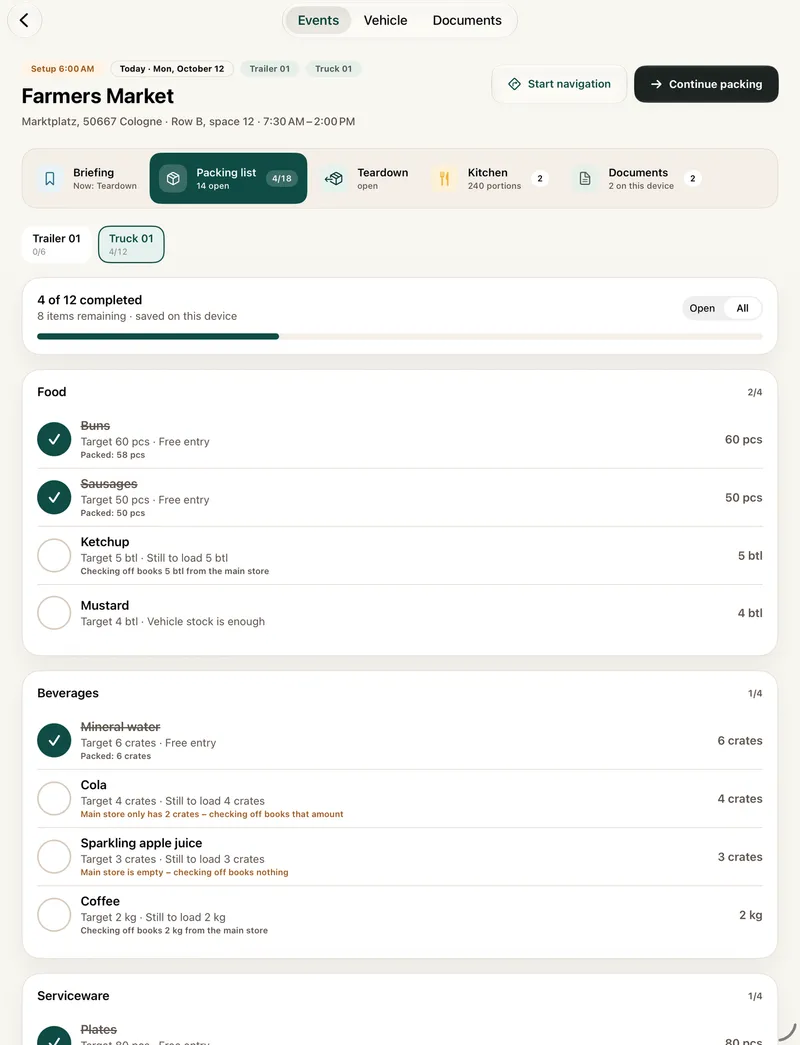
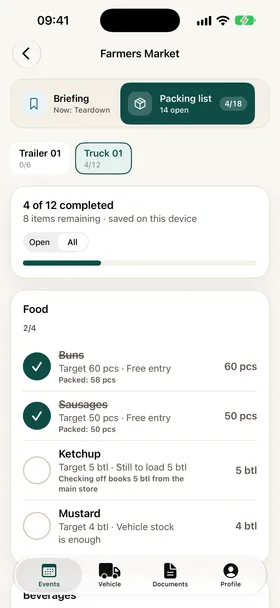
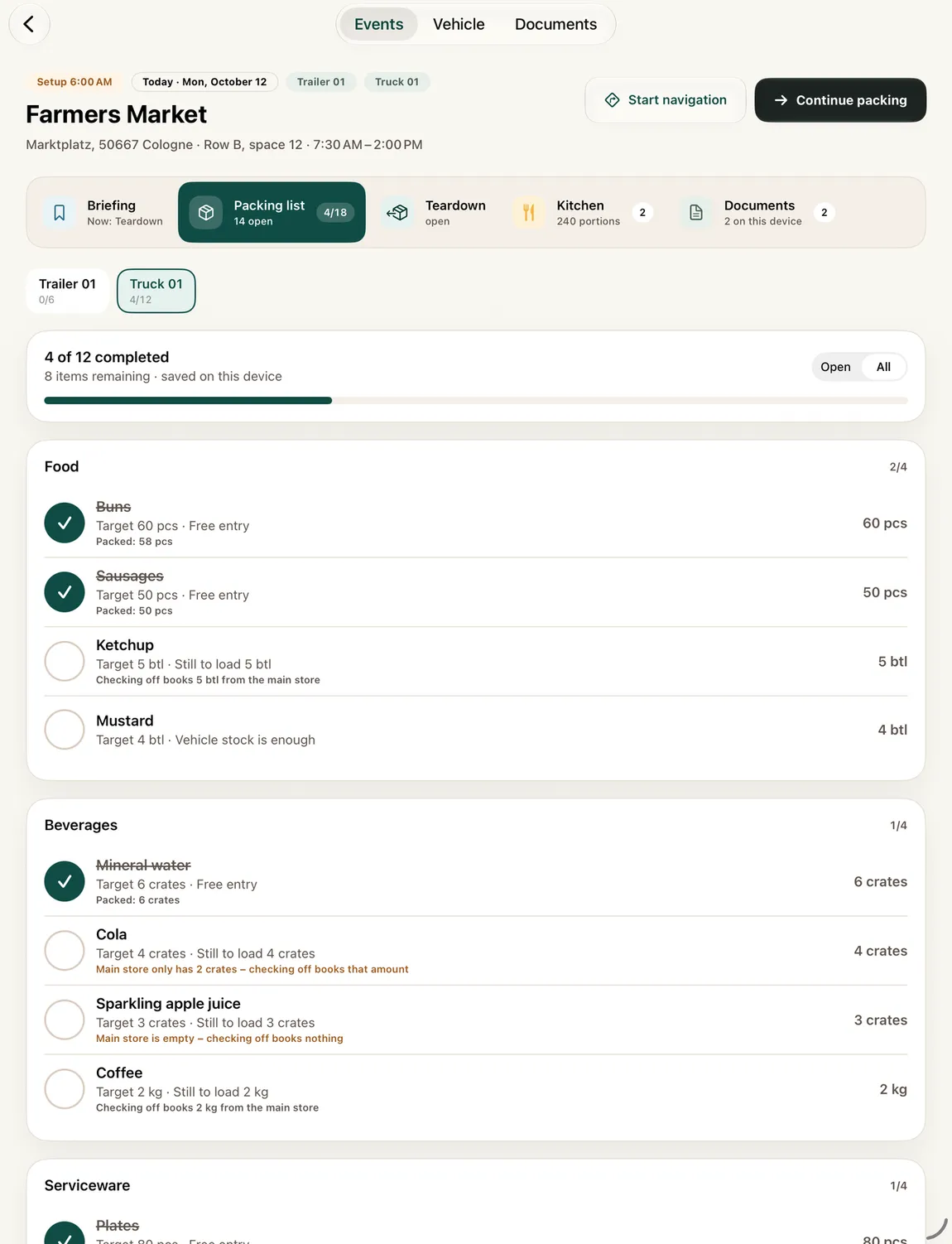
One list per vehicle, grouped by category. See what still needs loading and record partial quantities and missing items as you go.
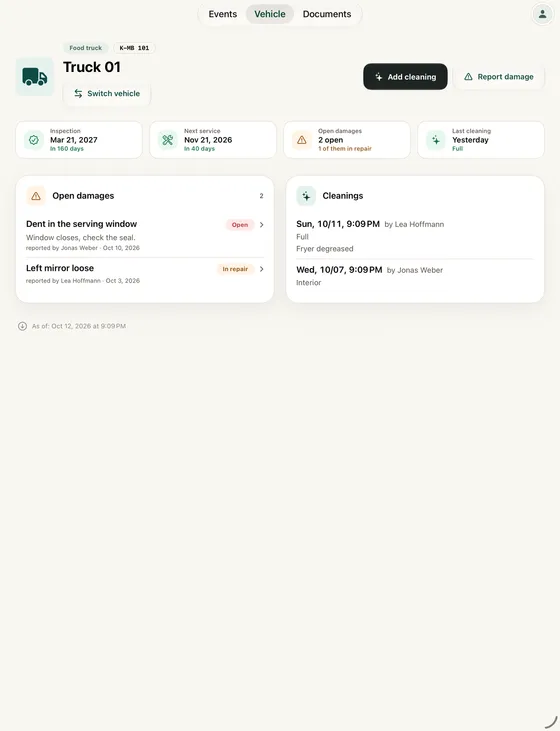
Inspection and service dates with an early warning. Report damage with a photo and log cleanings against your plan.
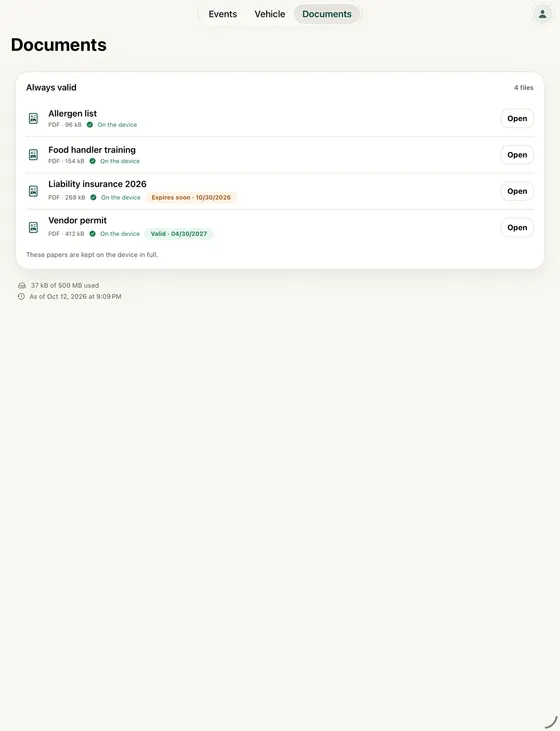
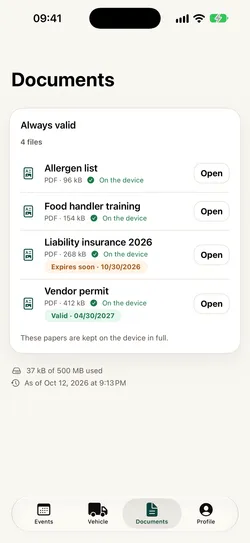
Vendor permits, insurance, food handler training and event paperwork stay on the device, even offline. Scan or photograph new ones on site.
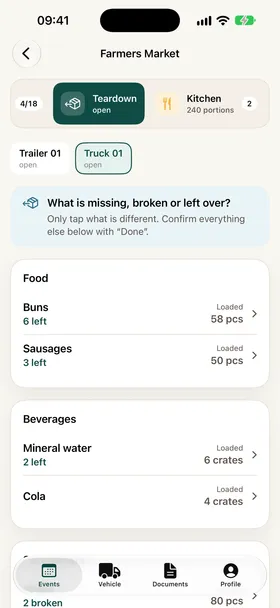
For each vehicle, tap only what’s missing, broken or left over. Confirm everything else with “Done”.
Also
Kitchen: Recipes and portions for the event, if your business plans them in Mobistro.
Reminder the day before: If you want, the app reminds you at 3 PM the day before setup.
Works offline
From the packing list
Access
The app is for businesses that already use Mobistro.
Whoever manages your business in Mobistro invites you to the team by email, and you set your password when you accept.
You sign in to the app with that email address and password; you don’t create a new account there.
Until Apple approves the app, we share the beta with invited teams through Apple’s TestFlight. Ask your business whether you’re part of it.
Once the app is on the App Store, the link will appear here.
Help and privacy
Reach us through the contact form or by email. We usually reply within two business days.
Please include the version shown in your profile, for example “Version 1.0 (9)”. On iPad, the profile opens from the top right.
One privacy policy covers the web app and the app on iPad and iPhone. You can also read it in the app under Profile › Legal.