

One calendar for every event
Month, list and map views show markets, catering jobs and festivals together. Each vehicle carries its own color, so a glance at the month tells you who is out where.
For busy event calendars
Requests, confirmations, setup times and venue details quickly spread across inbox, chat and memory. Mobistro brings every event into one calendar with a clear status — along with everything attached to the date: times, expected head count, vehicles and who is riding in which one.
Request free beta accessFree beta for selected operators in the US, UK, Switzerland, and Europe.

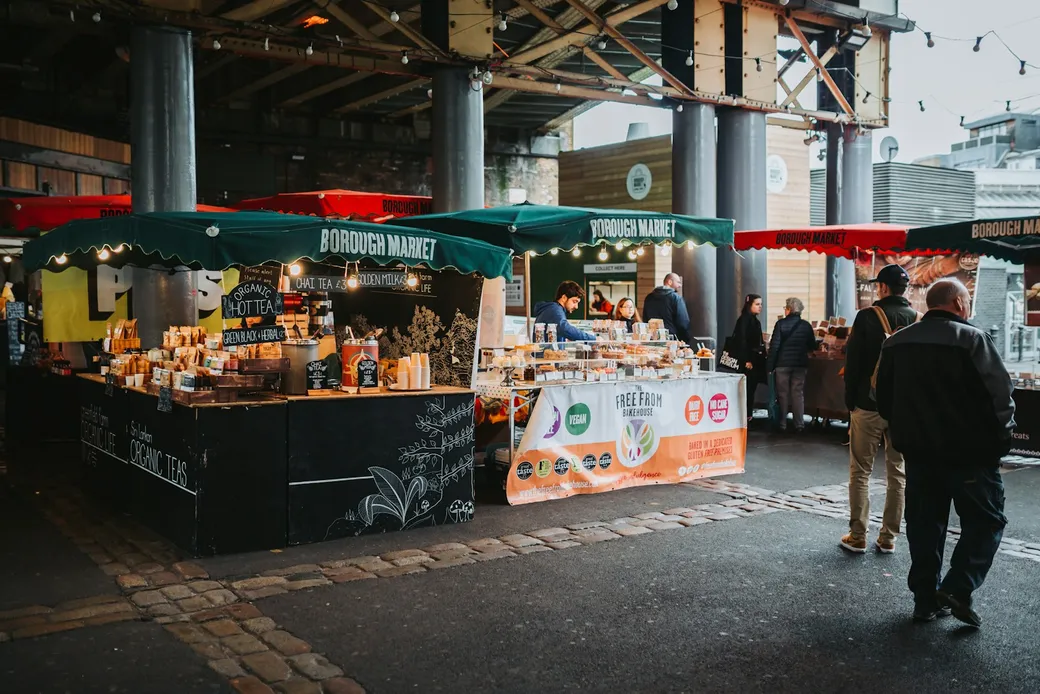
Weekly market on Tuesday, corporate catering on Thursday, festival on the weekend: Mobistro is built for food trucks, stalls and catering crews juggling many dates with different requirements — with one vehicle or with three.
Explore the full food truck softwareFrom day-to-day operations
Every event moves through a clear status — planned, confirmed, active, completed. What defines it sits on the event itself.
Check fees and conditions before you commitMonth, list and map views show markets, catering jobs and festivals together. Each vehicle carries its own color, so a glance at the month tells you who is out where.
Start, planned end or all day, plus vendor location and contact. The expected head count is the basis for every quantity that follows from it.
One truck stays the normal case. If a festival needs two, they join — and Mobistro flags it when a vehicle is already booked in that window.
Assign your people to the vehicle they ride in. The briefing prints as a whole or per vehicle — with times, location and the prep that belongs to it.
The date goes in as a planned event — visible to everyone without being committed yet.
Status to confirmed, add times and location, assign the vehicle. While creating it you pick the right packing template per vehicle straight away.
Assign people, print the briefing. Everyone knows when they are where, and on which vehicle.
From here the kitchen takes over: recipes and the head count produce the quantities to prepare and load.
A clear boundary
Mobistro does not broker gigs or sell vendor spaces. It organizes the events you win yourself — from the date through to the handover to preparation.
Yes. Weekly markets and seasonal runs can be managed as a series; you can adjust an individual date without changing the whole run.
Yes. One vehicle is the normal case, several are possible — each with its own packing list and its own crew. If a vehicle is already booked in the same window, Mobistro flags it as you create the event.
It is the basis for everything calculated in quantities: servings in the kitchen and per-person targets on the packing list. If it changes, you can bring the quantities along in a controlled step.
Yes. You assign people to the vehicle they ride in, and print the briefing as a whole or per vehicle.
No. Mobistro is not a booking platform; it organizes the events you already have.
Nothing during beta, however many events fill the calendar. A paid subscription only starts if you actively choose one.
Try Mobistro free during beta — from the date through preparation to wrap-up.